

In This Article
Compare top AI tools to turn blogs, videos, and podcasts into platform-ready clips, visuals, and social posts with pricing and use cases.
Updated:
Trusted by 1,000+ teams
Startups use Averi to build
content engines that rank.
Content repurposing is about transforming one piece of content into multiple formats tailored for different platforms. This saves time, money, and increases ROI. AI tools simplify this by automating tasks like transcription, video clipping, and content resizing. Below are the top tools for repurposing content in 2026:
Averi: Creates startup marketing strategies and drafts based on your website's data.
Repurpose.io: Automates video and audio distribution across platforms.
Opus Clip: Extracts viral short clips from long-form videos.
Jasper: Converts long-form text into platform-specific content with a focus on brand voice.
Pictory: Turns text and videos into shareable video content.
Canva: Transforms text into visuals and resizes designs for various platforms.
Lumen5: Converts blog posts into videos for social media.
Descript: Edits video/audio through transcript-based tools.
These tools cater to different needs, from video clipping to text-to-visual transformations, helping teams save hours weekly. Choose based on your content type, workflow, and budget.
Quick Comparison:
Tool | Primary Use | Starting Price (USD/month) | Best For |
|---|---|---|---|
Averi | Content strategy and creation | $100 | Startups needing consistent content |
Repurpose.io | Automating content distribution | $25 | Video/audio creators with frequent publishing |
Opus Clip | Extracting short clips from videos | $9 | Long-form video creators |
Jasper | Text-based content repurposing | $39 | Teams needing branded text content |
Pictory | Text-to-video and video highlights | $19 | Teams with text-heavy or long video content |
Canva | Text-to-visual and design resizing | $10 | Visual content for social media campaigns |
Lumen5 | Blog-to-video conversion | $19 | Blog-first marketers |
Descript | Transcript-based video/audio editing | $24 | Podcast and webinar editing |
Each tool addresses specific challenges, making it easier to maximize content potential across platforms.
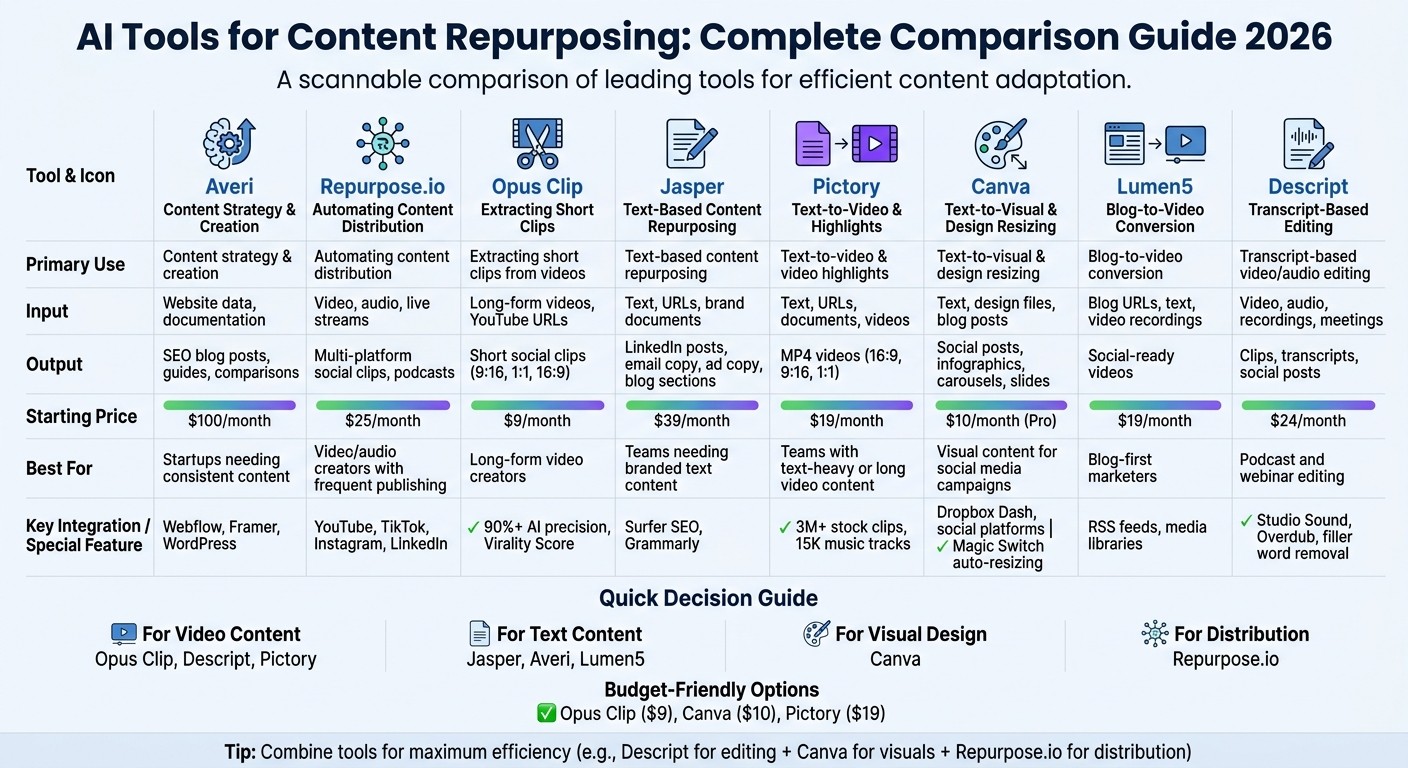
AI Content Repurposing Tools Comparison: Features, Pricing, and Best Use Cases
Smartest Ways to Repurpose Content with AI in 2025
1. Averi
Averi is an AI-powered content engine that simplifies content strategy, creation, and publishing for businesses. Instead of starting from a blank slate, it analyzes your website to understand your product, messaging, and brand tone. Using this data, Averi develops a complete content marketing plan, identifies ideal customer profiles, and generates ongoing topic ideas based on keyword research, competitor analysis, and market trends.
This tool is tailored for founders and small teams who need consistent, high-quality content but lack the bandwidth to manage freelancers, agencies, or multiple tools. You can approve topics and edits while Averi handles the heavy lifting - research, drafting, SEO optimization, internal linking, and even direct publishing to platforms like Webflow, Framer, or WordPress. Over time, its AI becomes more aligned with your brand voice, creating smarter drafts by learning from your published content.
Input/Output Formats
Averi transforms website pages, product documentation, and founder insights into a range of content types, including SEO-optimized blog posts, listicles, how-to guides, editorials, and product comparisons. These are designed to perform well on Google and be recognized by AI search engines like ChatGPT and Perplexity.
Best Use Cases
Averi is ideal for startups aiming to grow their organic presence without hiring a dedicated content team. If you're a founder who understands the value of content marketing - delivering 67% more leads and a 748% ROI - but are focused on product development, fundraising, or customer interactions, Averi keeps your content engine running smoothly. It’s designed for those who want a system that operates independently, not a tool that adds to your workload.
Pricing (USD/month)
The Plus Plan is available for $100/month, providing a customized marketing plan and instant access - no demo required. Additional features, including team collaboration tools and more CMS integrations, are on the way.
Key Integrations
Averi integrates directly with Webflow, Framer, and WordPress, streamlining the publishing process by eliminating manual formatting tasks. Upcoming updates will include integrations with email marketing tools and social media platforms.
This direct integration highlights Averi’s commitment to simplifying content management as we explore more tools for repurposing content effectively.
2. Repurpose.io
Repurpose.io is a platform designed to automate the process of sharing video and audio content across multiple social media platforms. It simplifies tasks like downloading, resizing, and publishing content, ensuring it meets the specific requirements of each platform.
The platform operates through customizable automation rules. For instance, you can set it up to extract audio from every new YouTube video you upload and turn it into a podcast episode. Similarly, it can remove watermarks from TikTok videos and automatically repost them to Instagram Reels or YouTube Shorts. This is particularly useful for teams or creators producing regular content, such as podcasts, webinars, or social media series.
Input/Output Formats
Repurpose.io supports video, audio, and live streams from sources like YouTube, TikTok, and podcast feeds. It outputs content in various formats, including horizontal, square, and vertical aspect ratios, optimized for platforms like TikTok, Instagram Reels, YouTube Shorts, Facebook, and LinkedIn. Additionally, it can convert videos into podcast episodes, making it a versatile choice for those focusing on audio content.
Best Use Cases
This tool is perfect for creators and marketers who need to distribute content widely without the hassle of manually handling files. It’s especially suited for those maintaining a frequent publishing schedule and aiming for a consistent presence across platforms. However, since Repurpose.io doesn’t offer text-generation features, users may need tools like Jasper to create LinkedIn posts or written summaries from their video content.
Pricing (USD/month)
Repurpose.io offers plans starting at $25/month for the Podcaster tier, $32/month for the Content Marketer tier, and $125/month for the Marketer tier. These options cater to solo creators as well as small teams focused on distributing video and audio content.
Key Integrations
The platform integrates seamlessly with YouTube, TikTok, Instagram, Facebook, LinkedIn, and podcast hosting services like Spotify for Podcasters. These connections allow Repurpose.io to automatically pull content from source channels, apply formatting rules, and distribute it to target platforms, saving users significant time on manual tasks.
Next, we’ll explore how Repurpose.io stacks up against other tools in the market.
3. Opus Clip
Opus Clip leverages AI to analyze long-form videos and pinpoint moments that can shine as standalone short clips. It's tailored for creators and marketers looking to repurpose content like podcasts, webinars, interviews, or YouTube videos into vertical formats suited for platforms such as TikTok, Instagram Reels, and YouTube Shorts. With over 12 million users and 170 million clips generated, it's a go-to tool for many [8].
The platform assigns each clip a "Virality Score", evaluating factors like speech patterns, emotional highs, and transitions to help users prioritize publishing [4]. A 60-minute video can be processed into 10–15 short clips in about 8 minutes [2]. The AI’s precision in identifying engaging moments exceeds 90%, and its automated captions boast over 97% accuracy [9][10].
"It used to take days to create clips. Now it takes us minutes to create them." - Lewis Howes [9]
Input/Output Formats
Users can upload videos directly or paste a YouTube URL [8]. Opus Clip supports transcription in over 20 languages, including English, Spanish, German, French, Portuguese, and Japanese [8]. The platform uses AI face tracking to reframe landscape videos into vertical (9:16), square (1:1), or landscape (16:9) formats while keeping speakers centered [10]. Transcripts can be exported in TXT, SRT, and VTT formats [8].
Best Use Cases
This tool is ideal for creators and teams producing long-form videos who need a steady flow of content for short-form platforms. Its "ClipAnything" model handles diverse genres, including gaming, vlogs, sports, and explainer videos [9]. The Brand Kit feature ensures consistent branding by automatically applying logos, brand colors, and custom fonts across clips [10]. Since Opus Clip focuses on clip creation rather than distribution, it’s best paired with scheduling tools to streamline posting [2].
Pricing (USD/month)
Opus Clip offers a Free Forever plan, including 60 minutes of processing (300 credits) per month with core AI features and 1080p export. The Pro plan, priced at $19/month, provides 150 minutes (1,200 credits), social media scheduling, a team workspace, and API access. Enterprise plans cater to larger needs with unlimited or custom processing and dedicated support, available at custom pricing [10].
Key Integrations
The platform integrates seamlessly with TikTok, Instagram Reels, YouTube Shorts, LinkedIn, and X (Twitter) [10]. It also offers a public API for connecting with CMS, DAM, and other enterprise tools [10]. Team collaboration is supported through role-based access controls (Admin, Editor, Viewer) and shared project folders for streamlined editing [10].
4. Jasper
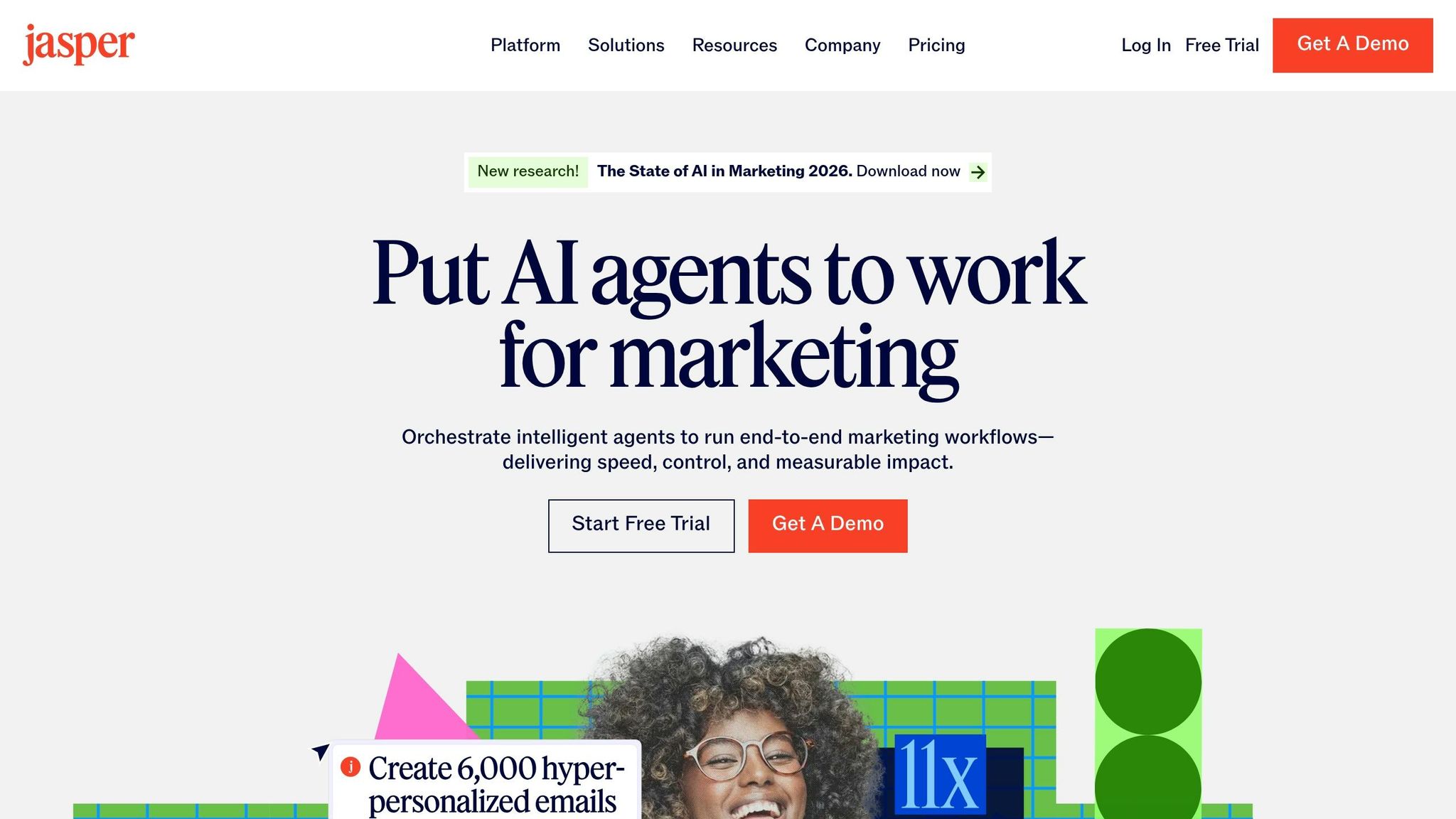
Jasper is a well-known AI writing platform designed to help marketing teams turn a single piece of content - like a white paper, case study, or webinar summary - into multiple branded formats. This allows teams to scale content production while maintaining their brand's distinct tone and style [5].
One of Jasper's standout features is its ability to adapt long-form content into various formats. Its Brand Voice capability trains the AI using your company's style guides and brand documents, ensuring every piece of repurposed content aligns with your established voice [5].
Input/Output Formats
Jasper accepts a variety of input types, including text, URLs (like blog posts or landing pages), brand documents, campaign briefs, and webinar summaries [5]. On the output side, it delivers a broad range of content types such as:
LinkedIn posts
Email newsletters and campaign sequences
Blog sections and summaries
Ad copy for platforms like Google and Facebook
Landing page hero copy
Social media captions for various platforms
Additionally, Jasper integrates with Surfer SEO, ensuring that repurposed blog content remains optimized for search engines [11]. This flexibility helps marketing teams target multiple channels with consistent and effective messaging.
Best Use Cases
Jasper is particularly useful for teams handling large volumes of content. Its marketing templates simplify the process of transforming long-form assets into platform-specific formats. According to industry reports, 71% of marketers have noted that generative AI has already reduced repetitive tasks in their workflows, with content repurposing being one of the most common applications [4].
Pricing (USD/month)
Jasper offers three pricing tiers to accommodate different needs:
Creator Plan: Starting at $39 per seat/month, this is ideal for solo marketers or small teams.
Teams Plan: Priced at $99 per seat/month, it includes collaboration tools for team-based workflows.
Business Plan: Custom pricing is available for enterprises with more complex requirements [5].
Key Integrations
Jasper integrates with tools like Surfer SEO and other content platforms but focuses exclusively on text generation. It doesn't include visual design tools or native social media scheduling. For a complete content repurposing workflow, pairing Jasper with tools like Canva for visuals and scheduling platforms for social media is recommended. Jasper’s text generation expertise makes it a valuable addition to a broader AI marketing toolkit [5].
5. Pictory
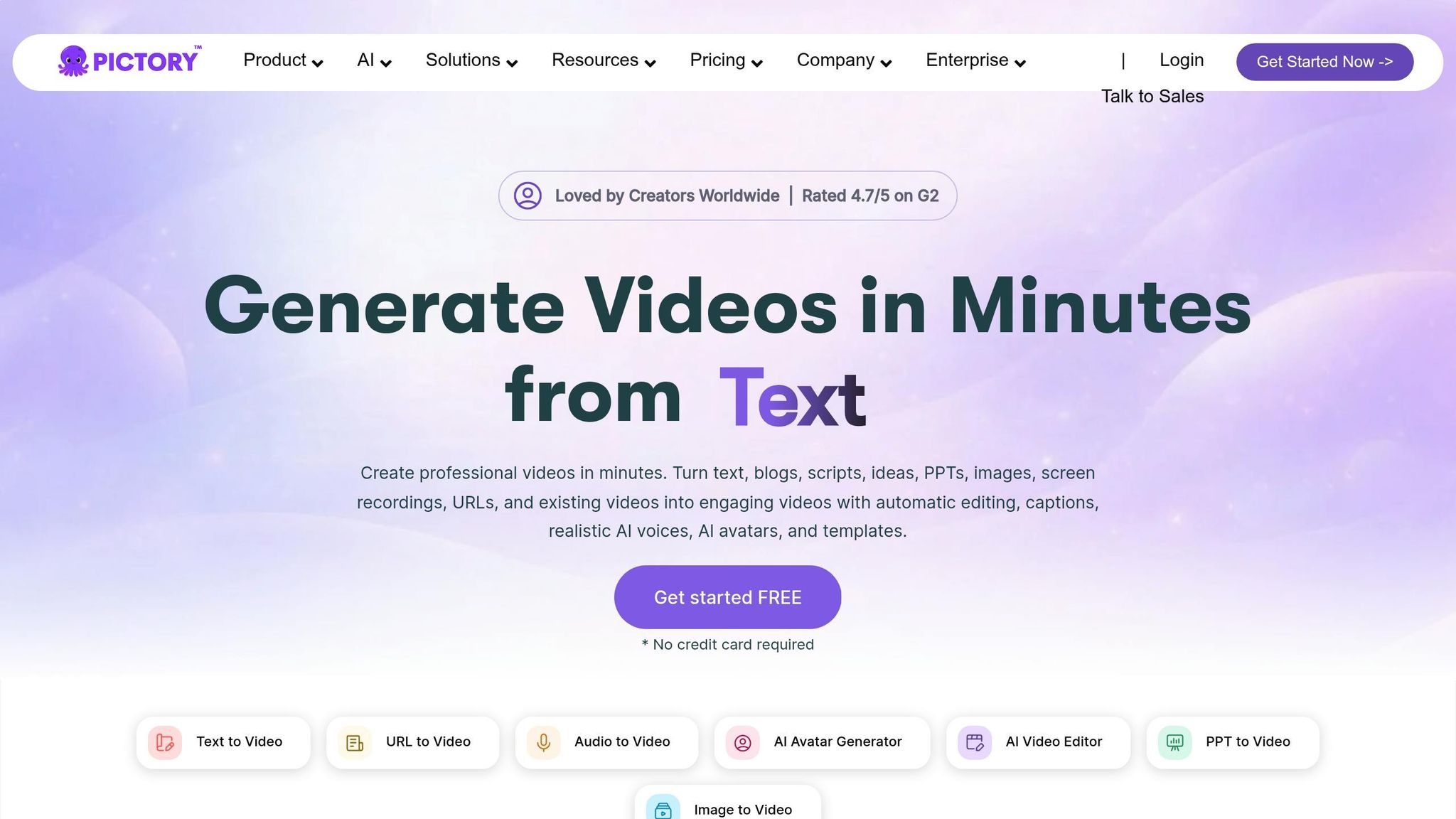
Pictory is a standout tool in the realm of AI-based content repurposing. It transforms text and lengthy videos into shareable, polished video content. Designed for teams with extensive text resources but limited video production capacity, it automatically pairs content with a vast library of over 3 million stock clips and 15,000 music tracks [16]. Additionally, its auto-transcription feature converts long-form videos into text for blog posts, eBooks, or LinkedIn guides [12].
Input/Output Formats
Pictory supports a variety of input types, including text, URLs, documents, presentations, videos, audio, and images [13]. Outputs are exported as native MP4 files, available in different aspect ratios: 16:9 (horizontal), 9:16 (vertical), and 1:1 (square) [17]. Its text-based editing feature allows users to trim videos by deleting words from the transcript, automatically removing associated video segments and filler words like "ums" and "uhs" [16].
Best Use Cases
Pictory shines when it comes to converting text into videos and extracting highlights from lengthy recordings, streamlining content workflows while saving time [18]. For instance, its auto-highlight tool can condense a 60-minute webinar into 1-minute clips, perfect for boosting social media engagement [14]. Since 85% of Facebook videos are watched without sound [17], Pictory’s auto-captioning feature enhances engagement, increasing view times by up to 12% [15]. These capabilities make it a versatile choice for creators.
Pricing (USD/month)
Pictory offers three pricing tiers to cater to diverse needs. The Starter plan, priced at $19 per month, is ideal for solo creators or startups. The Professional plan, at $47 per month, suits content teams and small to medium-sized businesses requiring higher output. For larger organizations, Enterprise plans are available with custom pricing [3][4]. A free trial is also offered, with no credit card required [13].
Key Integrations
Pictory’s integrations complement its video creation and editing capabilities. While it functions as a standalone platform, it’s recommended to upload the native MP4 files directly to social media platforms for better reach instead of sharing external links [17]. Trusted by over 20,000 companies, Pictory boasts a 4.7/5 rating on G2 and Capterra [13][16].
6. Canva
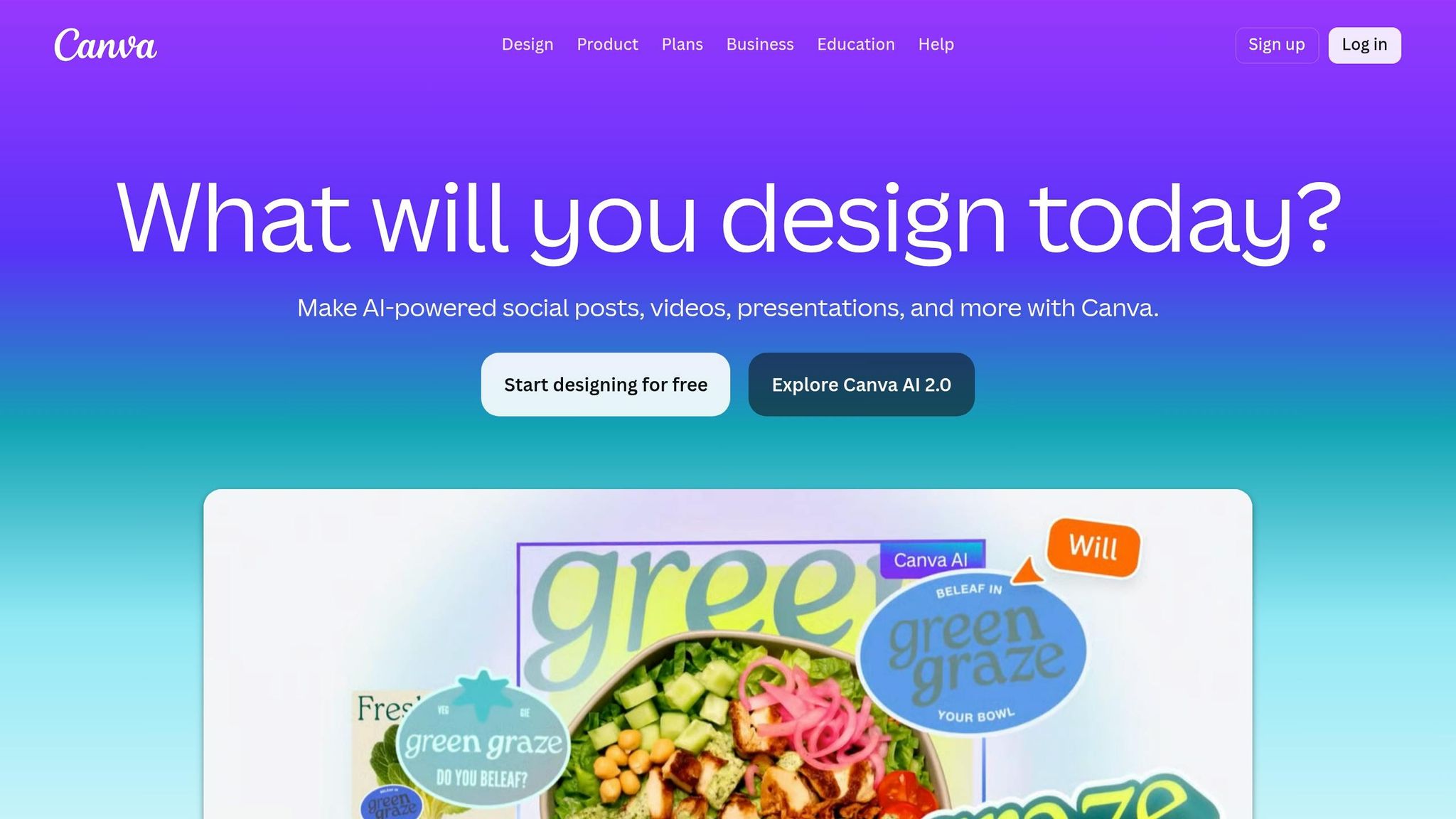
Canva transforms your text and designs into polished, platform-ready visuals. While it doesn’t focus on video, Canva shines in design-to-design and text-to-visual conversions, making it a go-to tool for teams looking to repurpose written content across various visual formats. Companies like Skyscanner and Moneytree use Canva to ensure their branding stays consistent while enhancing their visual output [6][11].
Input/Output Formats
Canva works with a variety of inputs, including text (via Magic Write), existing design files, and long-form content like blog posts or reports. Its outputs include social media posts, presentation slides, infographics, carousels, and email graphics. The Magic Switch feature simplifies the process by automatically resizing a single design for different platforms. For example, it can turn a square Instagram post into a vertical Reel cover or a horizontal LinkedIn banner with just one click [6]. Additionally, Magic Write can pull headlines, captions, or summaries directly from text inputs [11]. These tools integrate smoothly into any content repurposing workflow.
Best Use Cases
Canva is particularly effective for turning blog posts into presentation slides and ensuring brand consistency across repurposed visuals. The Brand Kit feature locks in your fonts, colors, and logos, so every design reflects your branding [6]. Canva's Magic Design can create carousel slides from text prompts or documents, while the Magic Studio suite includes AI-powered tools for tasks like background removal, resizing, and text-to-image generation. This makes Canva an excellent choice for multi-channel campaigns, cutting down the time spent on manual resizing and redesigning.
Pricing (USD/month)
Canva Pro is priced at $10/month, billed annually at $120. This includes access to features like Magic Switch, Brand Kit, and Magic Write [6].
Key Integrations
Canva integrates seamlessly with Dropbox Dash, enabling teams to find archived assets - such as decks, blog drafts, or transcripts - and pull them directly into Canva for repurposing [11]. Completed designs can be exported as native files, ready for direct upload to social media platforms, making the final distribution step effortless.
7. Lumen5
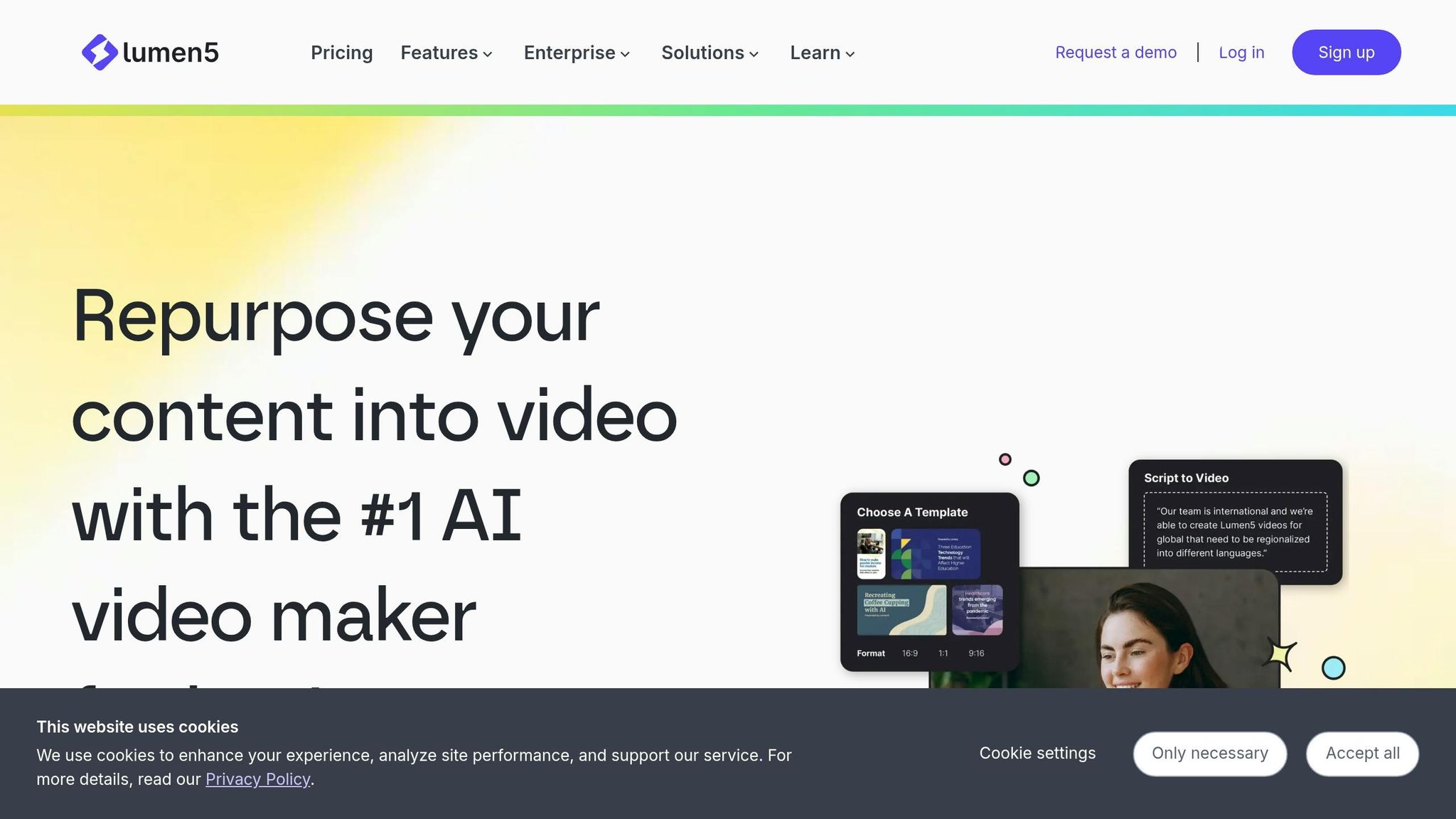
Lumen5 stands out as a tool that transforms written articles into engaging video content with its intuitive drag-and-drop interface. Designed with blog-first content marketers in mind, it allows teams to expand their reach into video platforms without the need for a dedicated production crew. Trusted by major companies like Salesforce, Cisco, PWC, and Siemens, Lumen5 makes creating social-ready videos from written content seamless [6].
Input/Output Formats
This platform supports inputs like blog post URLs, text, and video recordings, producing edited video clips optimized for social media. With a robust library of stock images, video footage, and music, Lumen5 eliminates the need for external media assets, making it especially useful for teams that lack original b-roll footage.
Best Use Cases
Lumen5 shines in blog-to-video conversion, turning articles into short, captivating teasers perfect for sharing on social platforms. It’s equally effective for repurposing existing video content, breaking it into shorter clips tailored for various channels. For content strategies centered around written articles, Lumen5 bridges the gap to video platforms effortlessly. However, it’s less suited for workflows driven by podcasts or audio-first content [7].
Pricing (USD/month)
The Professional Suite is priced at $149/month, and a free trial is available to test the platform’s blog-to-video conversion capabilities before committing [6].
Key Integrations
Lumen5 simplifies workflows by pulling blog content directly from URLs and offering built-in media libraries, removing the need for external stock photo services. Final videos are exported in formats ready for immediate upload to social media, streamlining the entire process.
8. Descript
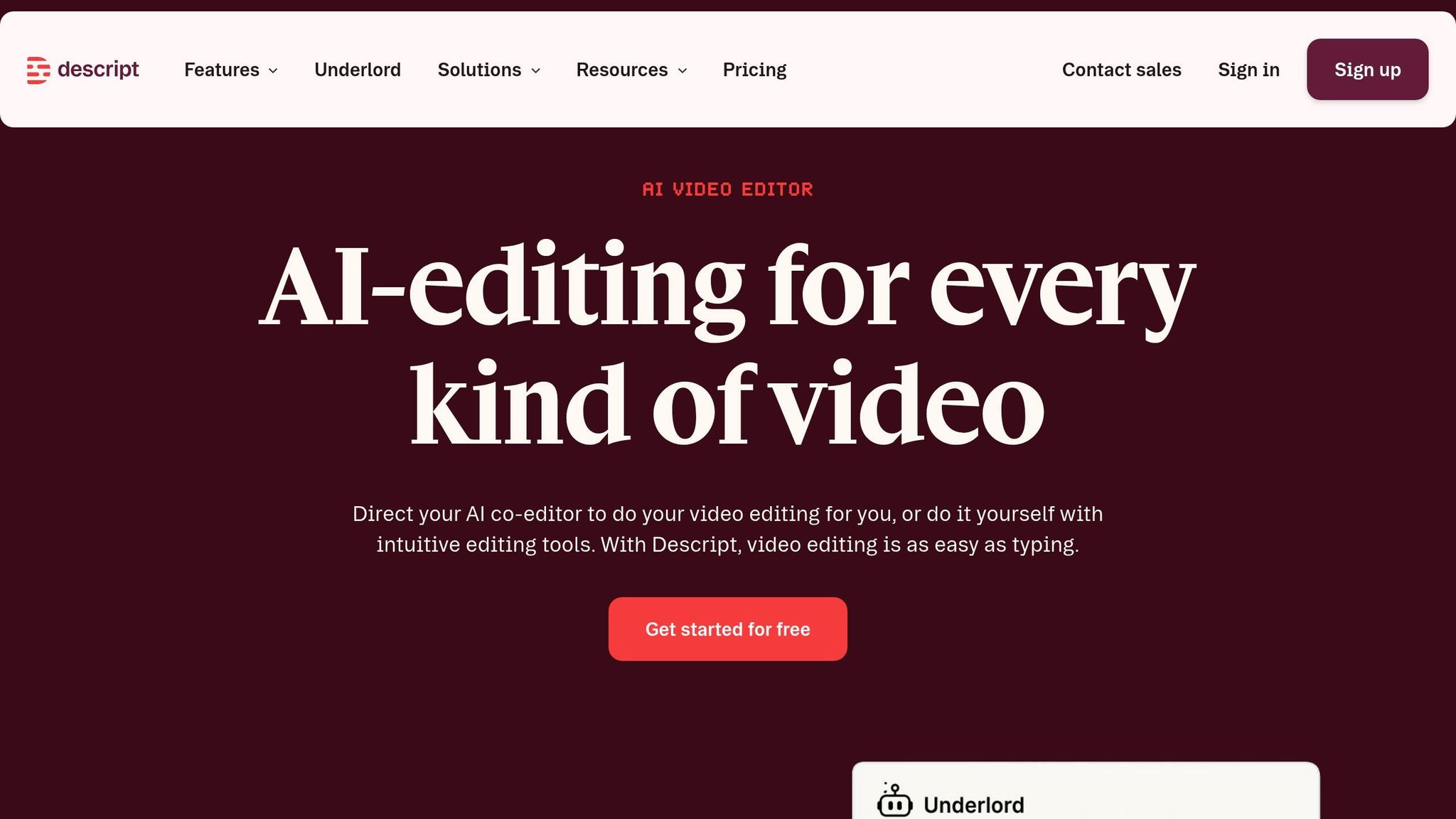
Descript transforms video and audio editing by allowing users to edit directly on transcripts. Want to delete a sentence? Just remove it from the transcript, and the corresponding media is gone. This makes it a standout choice for teams working on podcasts or webinars, especially when they need to pull clips from extensive recordings.
Input/Output Formats
Descript supports a variety of video and audio files, including content from recordings, webinars, virtual events, and meetings. It also offers built-in screen and webcam recording capabilities. From your source material, it can generate transcripts, short video clips optimized for social media, blog post drafts, summaries, quotes, and even ready-to-go social media posts.
Best Use Cases
Descript shines when it comes to polishing raw recordings. Its "Studio Sound" feature improves audio quality, even from less-than-ideal recording environments. The automated filler word removal eliminates pesky "ums" and "uhs", while the "Overdub" feature lets you fix spoken errors by simply typing in the correction. Its transcript-based editing interface is a faster alternative to traditional timeline editors for clipping content, though it’s not ideal for text-to-video workflows or fully automated clip selection.
"Descript is the one tool on this list I'd describe as genuinely category-defining." - Jamie Partridge, Founder & CEO, PostEverywhere [1]
Pricing (USD/month)
Descript offers a Free tier with 1 hour of transcription per month. Paid plans start at $24/month for the Hobbyist plan. The Pro plan, at $33/month, includes features like AI-powered clip extraction and Studio Sound. For $40 per user per month, the Business plan adds enterprise-level collaboration tools [3].
Key Integrations
Descript fits seamlessly into a modular content repurposing workflow. Many teams use it for editing and clip creation, then pair it with tools like Postiv for LinkedIn carousels or PostEverywhere for scheduling and distribution. It exports content in platform-ready formats, making publishing straightforward. Its transcript-driven approach sets it apart in the world of repurposing tools.
Tool Comparison
Choosing the right tool depends on your specific workflow needs - whether you're clipping videos, turning text into engaging visuals, or automating content distribution. Here's a breakdown of key features, formats, pricing, and integrations to help guide your decision:
Tool | Primary Use Case | Supported Formats | Starting Price (USD/month) | Key Integrations |
|---|---|---|---|---|
Averi | AI-driven content engine for strategy-to-publishing | Text-based content (blog posts, articles, social posts) | $100 | Webflow, Framer, WordPress |
Repurpose.io | Automates multi-platform content distribution | Video, audio, blog posts → social clips, podcasts | $12.42 | YouTube, Facebook, TikTok, LinkedIn, Twitter, podcast platforms |
Opus Clip | AI-powered video clipping | Long-form video → short social clips | $9 | YouTube, TikTok, Instagram Reels, LinkedIn |
Jasper | AI writing assistant for content creation | Blog posts, social captions, email copy, ad copy | $39 | Surfer SEO, Grammarly, Chrome extension |
Pictory | Converts text into video content | Blog posts, scripts → videos | $19 | Stock footage libraries, Hootsuite |
Canva | Visual content creation and resizing | Images, graphics, presentations → social posts | Free (Pro at $15) | Social platforms, Google Drive, Dropbox |
Lumen5 | Blog-to-video transformation | Blog posts, text content → social videos | $19 | Media libraries, RSS feeds |
Descript | Audio and video editing with transcription | Video, audio, recordings → clips, transcripts, social posts | Free (Paid at $24) | Postiv, PostEverywhere, social platforms |
This table highlights the range of tools available, catering to different budgets and use cases. For instance, Canva and Descript offer free tiers for those starting out, while more advanced platforms like Averi and Jasper provide comprehensive automation tools at higher price points. Tools like Repurpose.io strike a balance, focusing on distribution for teams already producing content but needing help with publishing.
Integrations are just as critical as pricing. Platforms like Averi and Descript, which connect directly with CMS systems or social schedulers, simplify workflows by cutting out manual tasks like copying and pasting. To maximize efficiency, consider combining tools. For example, you could use Descript for editing, then pass the outputs to Canva for visual enhancements or Repurpose.io for automated distribution. This approach ensures your content is not just created but also repurposed and shared effectively across multiple platforms.
Conclusion
When selecting a repurposing tool, it’s crucial to match it with your content type and the specific challenges in your workflow. For video-based content, tools like Opus Clip or Descript are great starting points. If your focus is on text, options such as Jasper or Pictory are worth exploring. On the other hand, if your main hurdle is distributing content rather than creating it, Repurpose.io offers an efficient, automated solution across multiple platforms [1][3]. These tools not only complement your content style but also adapt to the size and resources of your team.
Budget and team size play a significant role in the decision. Solo creators can take advantage of free tiers provided by tools like Canva and Descript, while larger teams may require advanced features, such as approval workflows available in tools like Jasper and Averi.
One 20-minute YouTube video has the potential to generate around 45 pieces of content - if you focus on repurposing the top 20% of your evergreen material strategically [1]. To maximize efficiency, consider applying a 60/30 ratio: let AI handle most of the formatting and clipping, while you refine the output to ensure brand consistency [3]. Tools like Averi combine the speed of AI with brand memory, helping you maintain quality across every piece of repurposed content.
Before committing to any subscription, conduct a practical test. Use one of your best-performing assets - like a 1,000-word blog post or a 20-minute video - and evaluate the output. If you find yourself spending more than 20% of your time correcting AI-generated errors, the tool may not be worth the investment [19].
Some teams report a 3–5× increase in productivity when the right AI tool is integrated into their workflow [3]. The key is to test each tool thoroughly to ensure it aligns with your needs, whether that’s trimming video clips, automating social media posts, or publishing directly to your CMS. The best tool is the one that eliminates bottlenecks and enhances your specific process.
FAQs
Which AI tool should I start with for my content type?
When deciding on an AI tool, match it to your specific content and goals:
For transforming long videos into short, engaging clips, tools like OpusClip and quso.ai are excellent. They handle clip selection and captioning with ease.
If you're looking to repurpose blog posts into different content formats, consider Jasper or ContentStudio, which simplify the process.
To convert audio or video into formats for platforms like Instagram Reels or TikTok, Repurpose.io is a great option for automating distribution.
What’s the simplest workflow to repurpose one asset across platforms?
To streamline your content distribution, follow these three straightforward steps:
Extract Key Moments: Use AI tools like OpusClip or Recast Studio to identify and pull out the most impactful moments from your original content.
Reformat for Platforms: Adapt the extracted content to fit your target platform. This might mean creating videos optimized for social media or crafting engaging captions.
Automate Distribution: Leverage automation tools like Repurpose.io to publish your content across multiple channels seamlessly, reducing manual work and ensuring broad reach.
This approach saves time while maximizing the efficiency of your content strategy.
How can I tell if an AI content repurposing tool is worth the cost?
When considering whether to invest in an AI content repurposing tool, focus on these critical aspects:
Platform-Specific Output: Does the tool create content adapted to the unique formats and requirements of different platforms? Tailored content performs better and aligns with audience expectations.
AI Quality: Look for tools that generate content you can easily edit and that suits each platform's tone and style. The ability to produce relevant, polished material is essential.
Efficiency: Automation should save you time. A good tool will streamline the process, making repurposing fast and hassle-free.
Pricing vs. Value: Assess whether the cost matches the features provided and meets your specific needs.
If the tool consistently delivers optimized, high-quality content quickly and at a reasonable price, it’s likely a worthwhile investment.
Related Blog Posts

Zach Chmael
CMO, Averi
"We built Averi around the exact workflow we've used to scale our web traffic over 6000% in the last 6 months."
Your content should be working harder.
Averi's content engine builds Google entity authority, drives AI citations, and scales your visibility so you can get more customers.