
In This Article
Consolidating AI tools into one stack helps small marketing teams streamline content, design, and automation to save time and money.
Updated:
Trusted by 1,000+ teams
Startups use Averi to build
content engines that rank.
Small marketing teams face a big challenge: achieving high-quality output with limited resources. This article highlights AI tools that simplify workflows, save time, and boost results. On average, marketers juggle 12+ tools and spend 40% of their time managing them. By 2026, 88% of marketers are expected to rely on AI daily, citing 22% higher ROI and 29% lower acquisition costs as key benefits. However, fragmented workflows remain a common issue.
Here’s a quick look at tools that can help small teams manage content creation, design, and automation more effectively:
Averi: All-in-one content marketing platform for $100/month, offering strategy, research, SEO, and publishing tools.
Jasper: AI-powered copywriting tool starting at $49/month, with brand voice memory and over 100 templates for marketing tasks.
eesel AI: Customer support automation starting at $239/month, managing tickets and drafting responses.
Canva: DIY design platform with free and paid plans ($15/month for Pro), featuring AI-driven design tools and social media scheduling.
Flick: Social media automation tool generating posts and captions from a single prompt.
Seventh Sense: Email optimization platform tailoring delivery times for better engagement.
Surfer SEO: SEO content optimization starting at $79/month, offering real-time recommendations and keyword research.
Key takeaway: Consolidating tools into a unified system can save time, reduce costs, and improve workflows for small marketing teams. Below, we explore how each tool works and what makes them effective.
The Only 7 AI Marketing Tools You Actually Need!
1. Averi
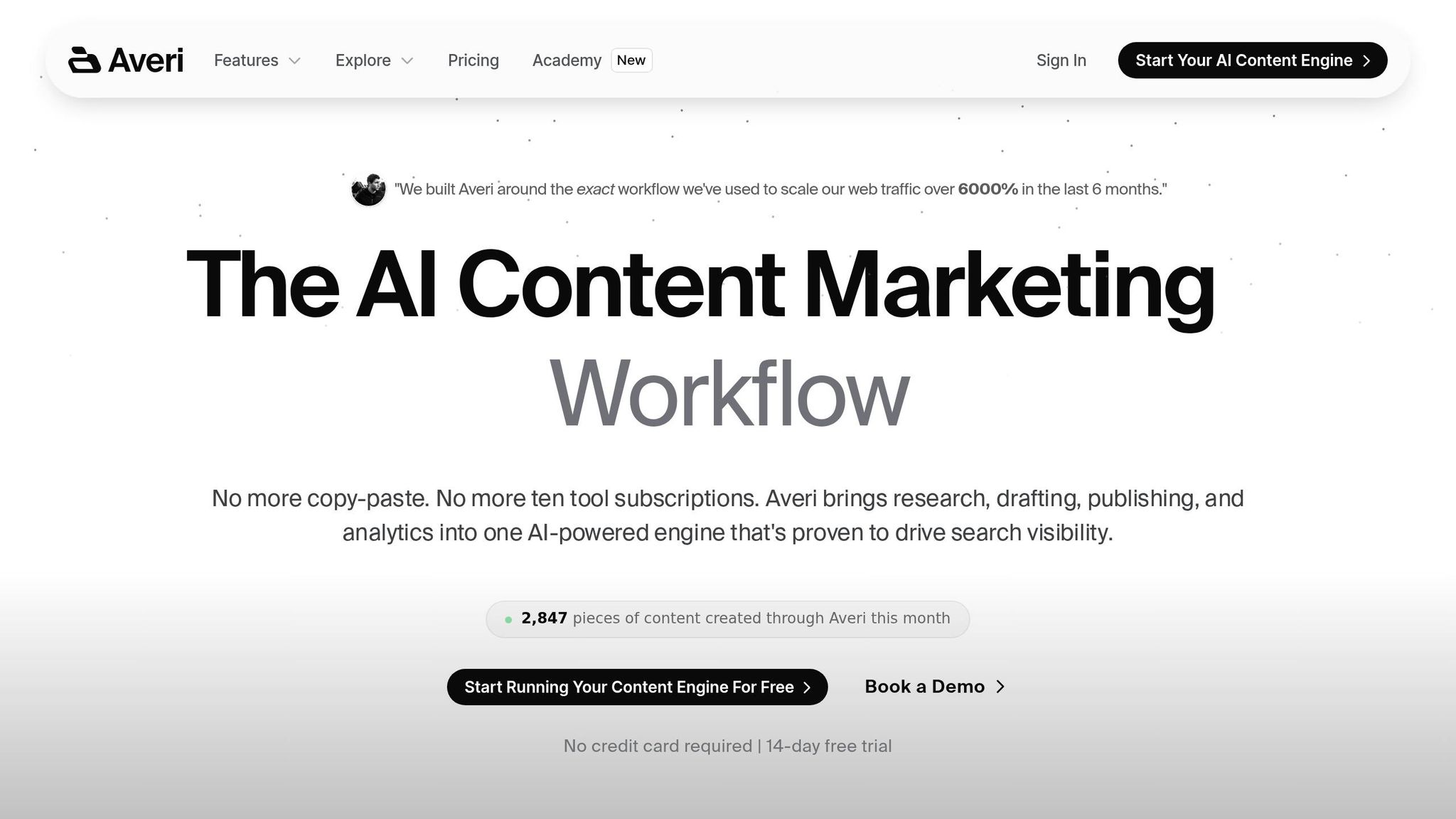
Averi is designed to simplify life for small marketing teams and founder-led startups by streamlining and automating the entire content workflow. It's more than just another AI writing tool - it’s a comprehensive content engine that handles everything from strategy and research to drafting, publishing, and performance tracking, all in one place. Unlike tools that demand constant manual input, Averi takes care of the heavy lifting while keeping you in control of critical decisions.
Workflow Automation Capabilities
Averi operates through a six-phase cycle that automates repetitive tasks while allowing you to make the key calls. The process begins with Averi analyzing your website to capture your brand voice, product details, and positioning. This setup is a one-time effort, and the system retains this context for all future tasks. From there, it identifies competitor gaps, emerging trends, and keyword opportunities, automatically queuing up optimized content topics for your approval [3].
Once a topic is approved, Averi dives into research, drafting, and optimizing the content for both SEO and Generative Engine Optimization (GEO) - a feature that boosts the chances of being cited by AI search engines like ChatGPT and Perplexity. After you refine the draft using Averi’s real-time editing tools, the platform publishes it directly to your CMS (like Webflow, WordPress, or Framer), eliminating the need for manual copy-pasting. Published content is stored in a central repository, ensuring future drafts align even better with your brand [3][4].
"We built Averi around the exact workflow we've used to scale our web traffic over 6,000% in the last 6 months." – Zach Chmael, CMO, Averi [3]
Content Creation Features
Averi’s AI goes beyond surface-level writing by conducting in-depth research. It pulls data from multiple sources, highlights key points, and structures content with built-in FAQ sections and TL;DR summaries designed to attract AI citations. The platform’s editing interface supports collaboration, allowing users to tag teammates, leave comments, and tweak drafts together. You can also adjust specific sections - whether for tone, length, or clarity - directly within the platform [3].
What sets Averi apart is its persistent brand memory, which retains context across all projects and improves with each piece of content you publish. Features like automated internal linking suggestions and meta description generation further reduce the workload for small teams, making it a game-changer compared to generic AI tools [3][4].
Pricing and Affordability
Averi offers its full suite of tools for $100 per month, covering strategy, execution, publishing, and analytics in a single flat fee. This pricing eliminates the per-user charges that can strain growing teams [3]. For comparison, small marketing teams often spend over $322 per month juggling separate tools for keyword research, content creation, SEO, and CMS publishing - not to mention the time lost switching between platforms. Averi simplifies this with an all-in-one solution, earning a 4.9/5 rating from over 1,000 teams. It’s an ideal choice for startups looking for enterprise-level capabilities without the need for a dedicated content team [3][4].
2. Jasper
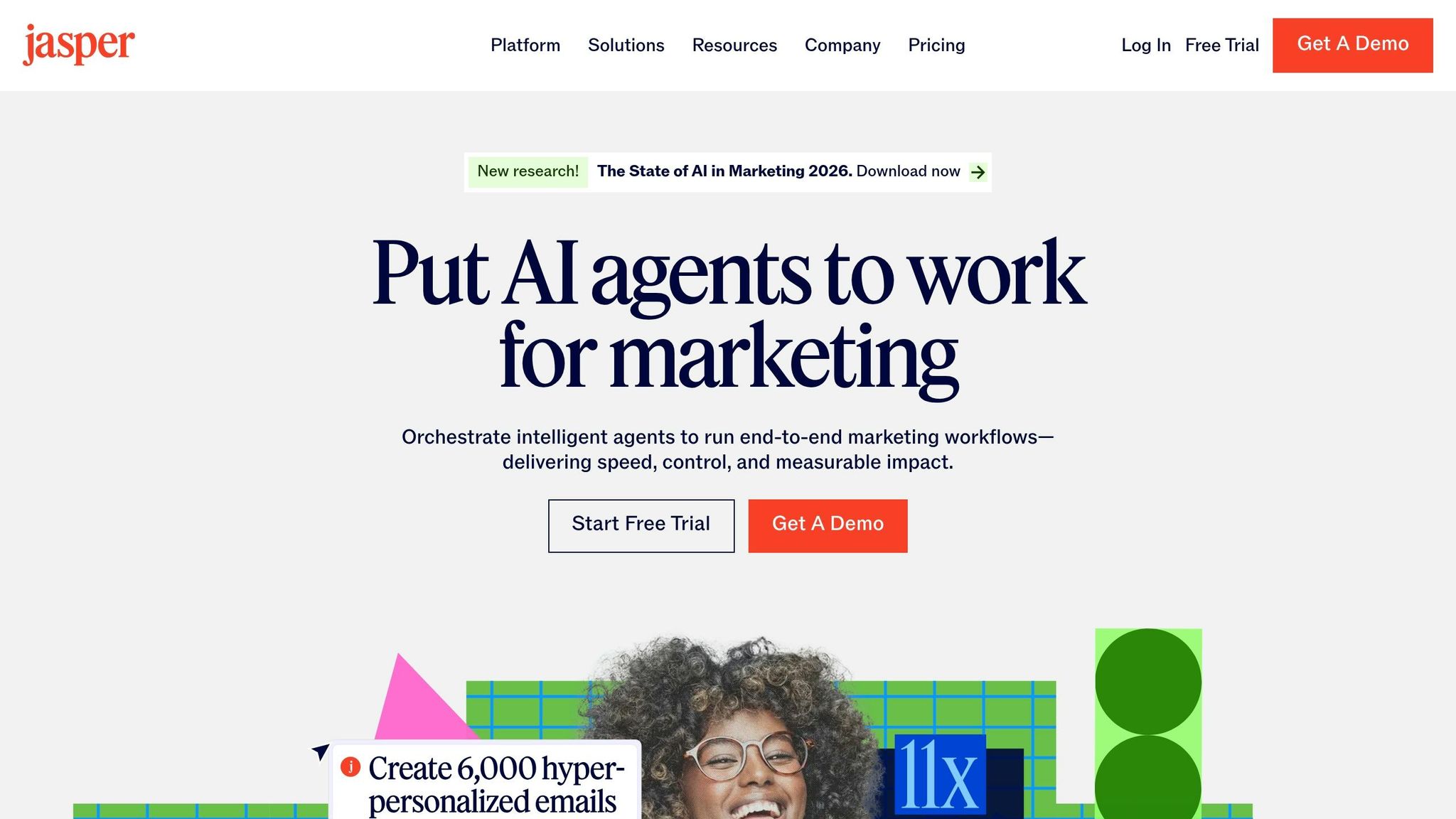
Jasper is tailored for teams aiming to produce consistent, on-brand content at scale without expanding their workforce. Unlike general-purpose AI tools like ChatGPT, which start fresh with every session, Jasper retains your brand's tone, style, and messaging across projects. This capability is driven by its Jasper IQ feature, which learns from your existing content samples and ensures consistency without requiring constant adjustments [3]. Its focus on scalable, brand-aligned content creation makes it a standout choice for marketing teams.
Content Creation Features
Jasper offers over 100 templates specifically designed for marketing tasks, ranging from blog posts and email subject lines to ad copy and product descriptions [3]. For lean teams, the Instant Campaigns feature is a game-changer - it generates coordinated multi-channel assets, such as emails, social media posts, ads, and landing pages, all from a single brief. This allows even a single marketer to manage an entire campaign efficiently [2].
The platform's Knowledge Base enables teams on the Pro plan to upload up to 150 brand-related assets, including style guides, product details, and messaging frameworks. This ensures the AI maintains accuracy without needing repetitive explanations [4]. Additionally, the Jasper Grid offers a spreadsheet-like tool for managing and tracking content pipelines, helping small teams oversee multiple pieces of content across different platforms [2]. These tools integrate smoothly with existing workflows, making content orchestration more manageable.
Integration with Marketing Platforms
Jasper integrates directly with platforms like WordPress and Webflow, streamlining the publishing process by eliminating the need for manual uploads [3]. Its Chrome extension extends AI writing support to any web-based tool, including email systems and social media management platforms [3]. For teams focused on search engine optimization, Jasper also connects with Surfer SEO, offering real-time optimization scores while writing. However, this feature requires a separate subscription to Surfer SEO, starting at $79/month [4].
Pricing and Affordability
Jasper's pricing is structured to accommodate teams of different sizes. The Creator Plan costs $39/month when billed annually ($49/month if billed monthly) and is designed for single users. The Pro Plan, at $59/month annually ($69/month monthly), supports up to five users, offers three brand voices, and allows for 150 knowledge assets. For larger teams requiring unlimited brand voices and API access, the Business Plan provides custom pricing options [3]. While 70% of small businesses using Jasper report measurable improvements in lead generation [4], it’s worth noting that costs can increase with the addition of multiple seats and the Surfer SEO subscription.
3. eesel AI
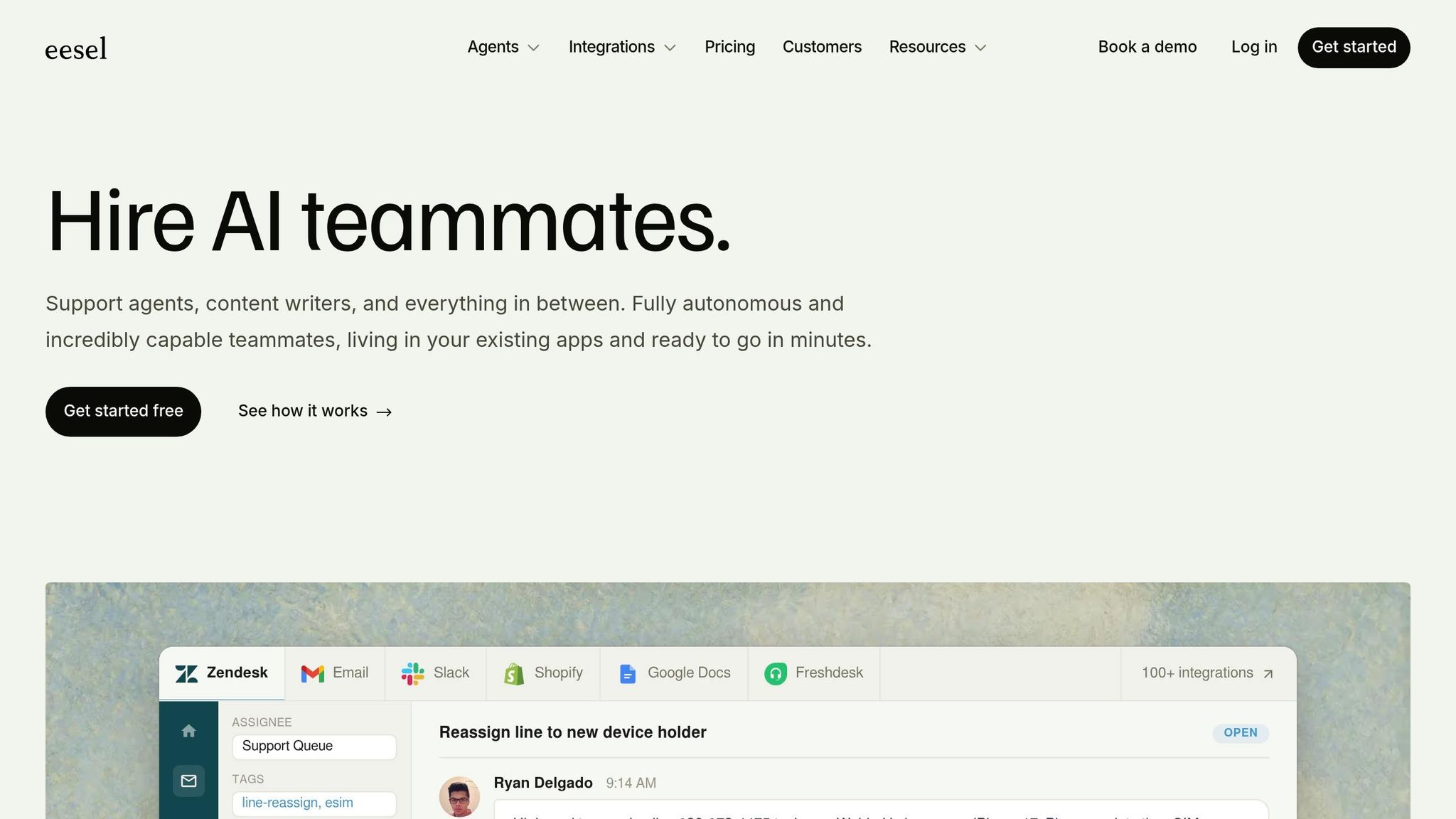
eesel AI simplifies customer support by automating repetitive tasks, giving teams more time to focus on campaigns. Unlike AI tools designed for content creation, eesel functions as a virtual support agent, handling ticket triage, drafting responses, and resolving queries across multiple platforms [7][8]. For teams managing both marketing and customer service, eesel integrates seamlessly with support tools, allowing them to prioritize strategic efforts.
Workflow Automation Capabilities
eesel AI connects directly to your helpdesk and knowledge base, automating Tier-1 support tasks. It can process returns, access live order data, and integrate with custom APIs such as ShipBot and Recharge through its "AI Actions" feature [10]. Impressively, a single automated agent can manage over 100,000 support tickets each month [7]. This scalability is especially useful for small e-commerce or SaaS teams that experience high volumes of customer inquiries during campaigns. Additionally, eesel supports multiple languages, making it ideal for global operations without requiring extra setup [10].
By consolidating support channels and automating routine tasks, eesel AI significantly reduces coordination time. On average, B2B teams spend three hours coordinating for every hour solving issues [9]. With eesel, users can search connected knowledge bases directly within Slack, Microsoft Teams, or helpdesk tools, eliminating the need to switch between multiple tabs.
"With eesel, we can find specific answers to questions extremely fast. We have seen up to 80% time savings." - Alex Capurro, Chief Innovation Officer at Global Pay [7]
Content Creation Features
Beyond its support automation, eesel offers a "Blog Writer" feature that drafts blog posts tailored to your brand's voice [7]. It pulls data from connected tools like Google Docs, Notion, and Confluence to ensure consistency [8]. For teams on the Business plan, eesel can also draft email responses and help center articles, leveraging historical data to improve accuracy [11].
"It reads and memorizes our procedures, products, and policies. Its intuitive editing tool consistently incorporates coaching from previous interactions." - Andre Yeu, Founder of WhenHoundsFly [7]
Pricing and Affordability
eesel AI's Starter Plan begins at $239 per month and includes 1,000 interactions [11]. The Business Plan, priced at $639 per month, unlocks advanced features like learning from past support tickets - essential for maintaining a consistent brand voice [11]. While these features are powerful, the cost may seem high for smaller teams, particularly since historical data learning is only available in the higher-tier plan. Enterprise pricing is customized and allows for higher usage rates, such as 2,000 requests per minute [7].
Some critics argue that established tools like Zendesk and Intercom now offer similar AI functionalities, possibly reducing the need for an additional subscription [11]. Before committing to eesel, it’s worth assessing whether your current tools already provide overlapping capabilities.
With eesel's ability to streamline support and content creation, the next tool shifts focus to enhancing visual content production.
4. Canva
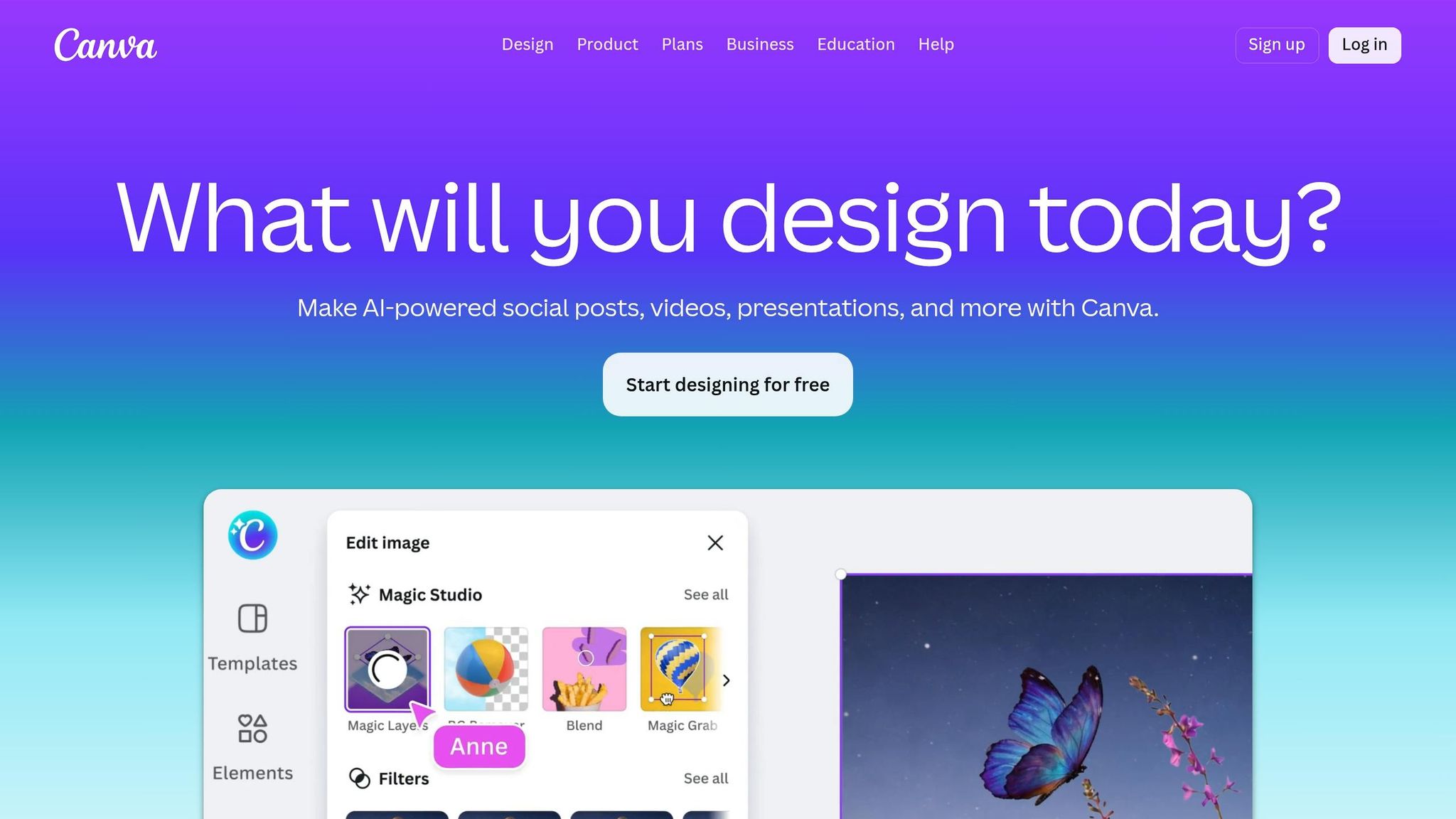
Canva has established itself as the go-to DIY design platform for small marketing teams, offering professional-quality visuals without the need to hire additional designers [1]. Its user-friendly drag-and-drop interface, combined with AI-driven tools, allows even non-designers to create social media graphics, presentations, and marketing materials in just minutes.
Content Creation Features
Canva's Magic Studio is a game-changer, bundling AI tools that simplify tasks once reserved for specialized software. Tools like Magic Write and Magic Media generate copy, images, and videos from simple text prompts. Features such as the AI background remover and image expander further streamline workflows, cutting down on both time and software subscriptions. The free tier includes over 250,000 templates, though AI features are limited to 25 uses per day [1].
The Brand Kit is another standout feature, addressing a common challenge for small teams: maintaining consistent branding. By storing logos, color palettes, and fonts in one place, the Brand Kit ensures all designs stay on-brand without requiring constant oversight. This feature helps teams create professional-looking content without needing frequent design approvals for standard assets.
Integration with Marketing Platforms
Canva goes beyond design by integrating with popular marketing channels. The Content Planner lets teams schedule and publish posts directly to platforms like Instagram, Facebook, TikTok, LinkedIn, X (formerly Twitter), and Pinterest. This eliminates the hassle of downloading and re-uploading files to separate scheduling tools. However, while Canva’s scheduling feature is convenient, it doesn’t offer the advanced analytics or multi-channel queue management provided by platforms like Sprout Social or Buffer [1].
Pricing and Affordability
Canva’s pricing is designed to suit a variety of needs. The Pro plan, priced at $15 per month or $120 annually, unlocks premium templates, unlimited storage, and full access to Magic Studio. The Teams plan costs $10 per user per month but requires at least three users [3]. For those just getting started, the free tier provides 5GB of cloud storage and basic templates, making it easy to test the platform’s capabilities before committing to a subscription [3].
While Canva excels at design and basic social media scheduling, it’s not a one-stop marketing solution. Teams may still need tools like HubSpot for CRM integration or advanced analytics to round out their marketing efforts.
5. Flick
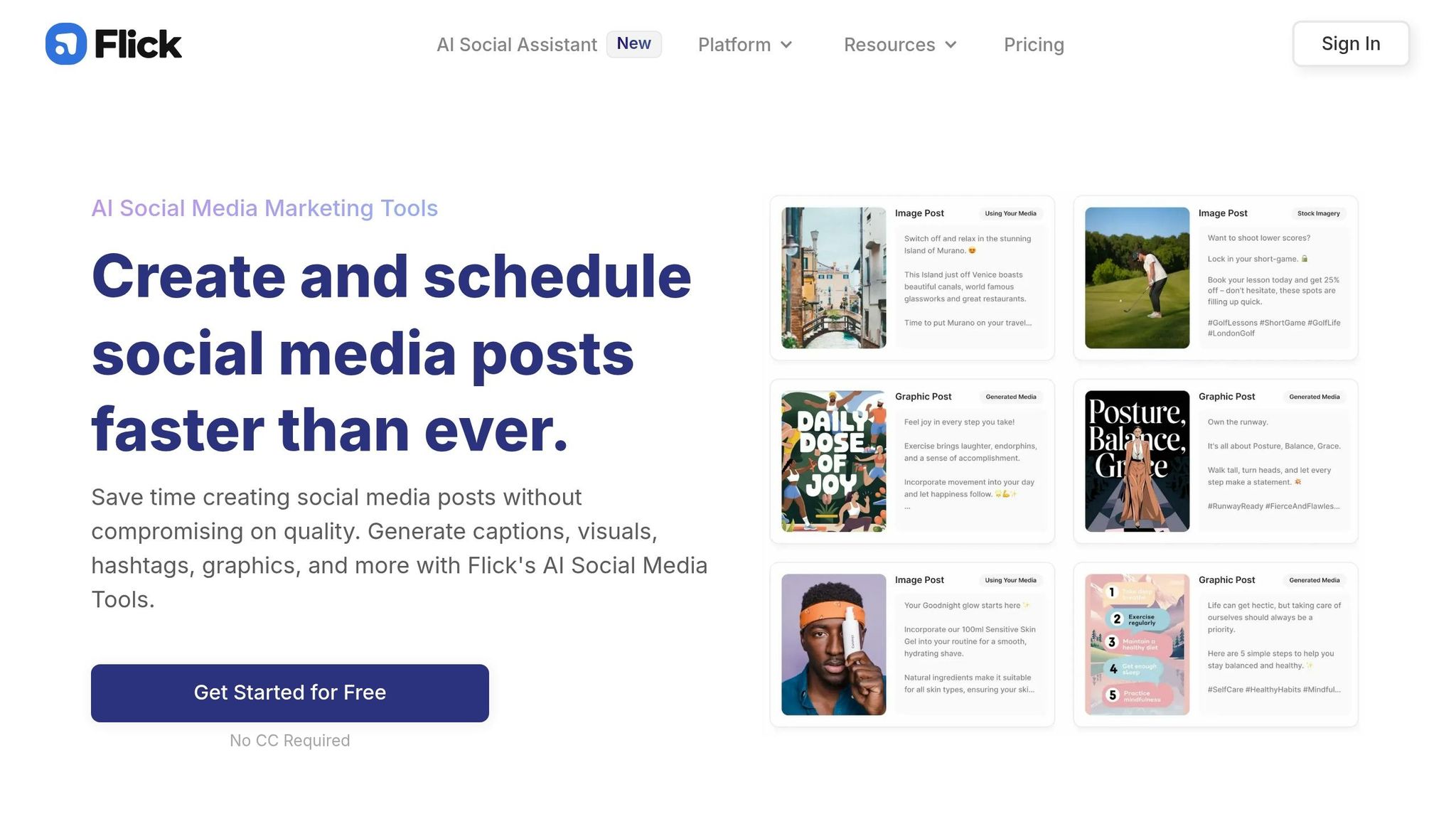
Flick is a platform designed specifically for social media automation, covering everything from brainstorming ideas to scheduling posts and analyzing performance. It’s a game-changer for small teams looking to save time by transforming a single idea into a week’s worth of posts in just minutes.
Streamlined Workflow Automation
Flick’s AI Social Media Assistant eliminates the hassle of starting from scratch by generating content ideas, captions, and hashtags from a single prompt. Its ability to take one concept and expand it into multiple posts makes it an essential tool for lean teams juggling various marketing responsibilities.
What sets Flick apart is its end-to-end functionality. Teams can move effortlessly from brainstorming to scheduling without the need to jump between different tools. This reduces the inefficiencies and costs associated with managing multiple platforms, a common pain point for small marketing teams.
Efficient Content Creation
With just a single topic or prompt, Flick generates multiple captions and hashtags tailored for platforms like Instagram, Facebook, and LinkedIn. This is especially helpful for teams handling several accounts while striving to maintain a consistent posting schedule. By consolidating these tasks into one platform, Flick simplifies the process and minimizes the need for extra tools.
Cost-Effective Solution
Although exact pricing details aren’t provided, Flick markets itself as a tool that can replace several standalone solutions. For teams already managing a dozen or more marketing tools, consolidating social media tasks into one platform can significantly cut subscription costs and reduce the complexity of managing multiple tools - a crucial step toward improving efficiency.
6. Seventh Sense
Seventh Sense is an AI-driven platform designed to optimize email delivery by tailoring schedules for each recipient. Instead of sending mass emails at a single time, it uses machine learning to analyze engagement data and determine the best delivery times for individual contacts.
Workflow Automation Features
At the heart of Seventh Sense is its Send Time Optimization (STO) feature. This tool examines historical engagement patterns to predict when each recipient is most likely to open and interact with emails. By automating the scheduling process, it eliminates the need for manual guesswork, even for extensive contact lists.
In addition, the platform includes Email Throttling, which spaces out email deliveries over several hours or days. This helps manage campaign pacing, ensuring consistent engagement without overwhelming inboxes.
Seamless Integration with Marketing Platforms
Seventh Sense works directly with HubSpot and Marketo, making it easy to integrate into your existing marketing operations. The platform identifies each recipient’s preferred email frequency and timing, allowing you to deliver messages when they’re most likely to engage. For teams already using these tools, this integration enables a shift from generic email blasts to personalized delivery schedules, boosting open rates and overall engagement.
By combining these integrations with advanced scheduling, Seventh Sense simplifies email strategy without adding complexity to your workflow.
Pricing Considerations
Although detailed pricing information isn’t publicly available, Seventh Sense is marketed as a budget-friendly option, particularly suited for small businesses. Its cost is comparable to a standard monthly subscription, making it accessible for lean teams looking to compete with larger enterprises. By automating intricate optimization tasks, the platform offers a cost-effective alternative to labor-intensive processes or high-priced enterprise solutions.
7. Surfer SEO
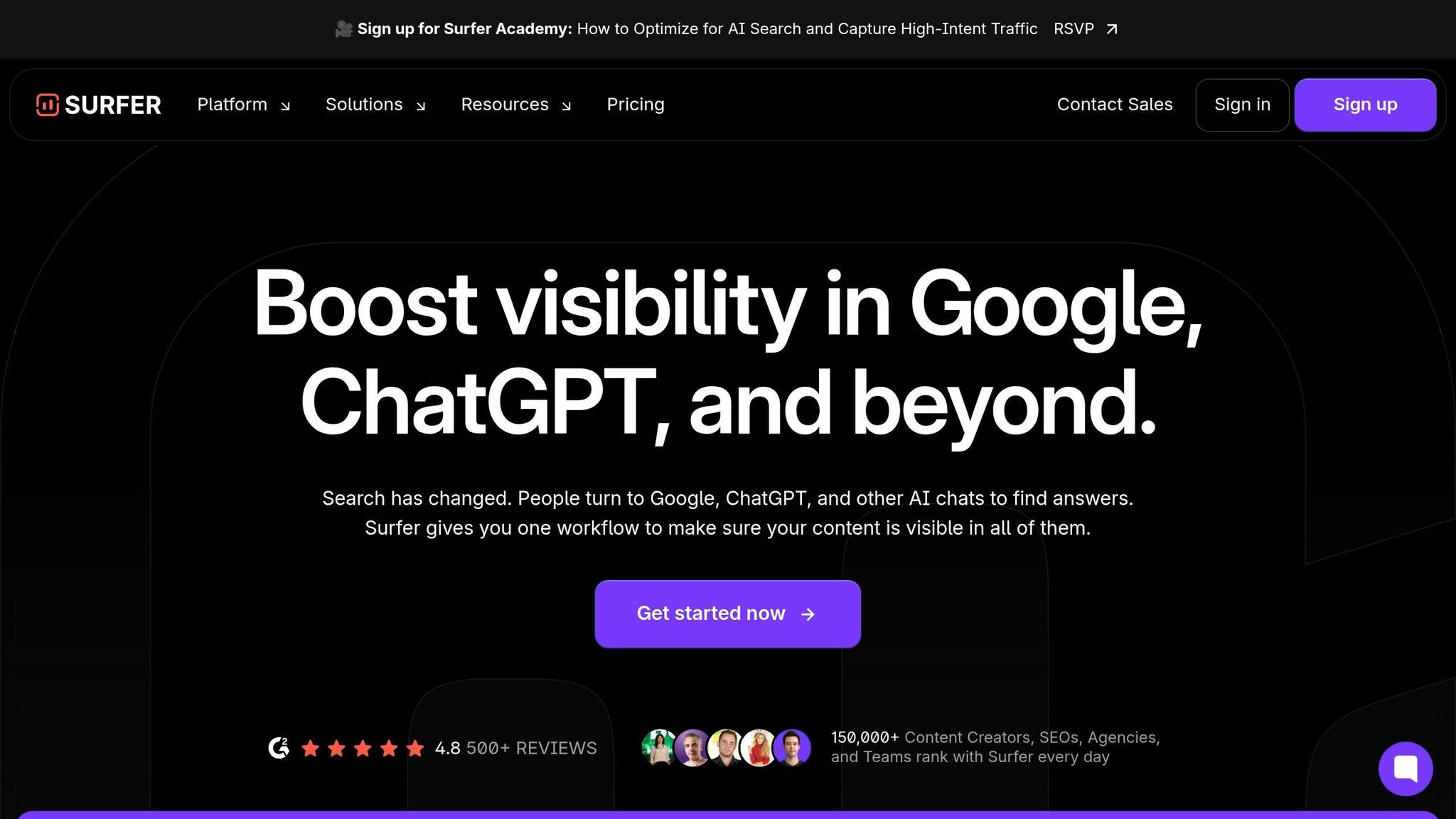
Surfer SEO is a platform designed to fine-tune your content by analyzing top-ranking pages for specific keywords and offering clear, data-backed recommendations. It provides actionable insights on aspects like word count, keyword usage, headings, and image placement, all based on what works best for high-ranking pages.
Content Creation Features
The Content Editor is the centerpiece of Surfer SEO's optimization tools. It provides a live score as you write, showing how well your content aligns with ranking criteria. It flags missing keywords, recommends structural adjustments, and outlines precise changes needed to boost rankings. Research indicates a 0.28 correlation between higher Content Scores and better search performance, particularly in competitive niches [3].
For broader content strategy, the Topical Map feature aids in planning interconnected content clusters, helping small teams establish authority in their niche. The Keyword Research tool simplifies identifying related terms and clusters, enabling users to optimize not just individual pages but entire content ecosystems. Together, these tools create a robust framework for improving both content quality and SEO effectiveness.
Workflow Automation Capabilities
Surfer SEO also simplifies SEO research by automating time-consuming tasks, allowing users to focus on strategy. The SERP Analyzer breaks down competitor strategies, removing the need for manual data analysis. Meanwhile, the Content Audit tool reviews published content, pinpointing areas for improvement and suggesting updates that can lead to quick ranking boosts. For teams without dedicated SEO experts, these features minimize the burden of manual optimization.
Seamless integration with platforms like Google Docs, WordPress, and Jasper ensures that Surfer's recommendations are accessible directly within your existing workflow. This eliminates the hassle of switching between tools, making the optimization process smoother [5][6].
Pricing and Affordability
Surfer SEO's pricing is structured to cater to teams aiming to grow their organic search presence. The Essential Plan is available for $79 per month (billed annually) or $99 per month (billed monthly), offering 15–30 Content Editor credits and core features. For larger teams, the Scale Plan costs $175 per month (annually) or $219 per month (monthly), providing 100 articles, AI-driven visibility tracking, and team collaboration tools [3][2]. A 7-day money-back guarantee allows users to test its effectiveness on their content before making a long-term commitment [3]. This pricing, combined with its practical insights, makes Surfer SEO a solid choice for small teams prioritizing organic growth.
Tool Comparison Table
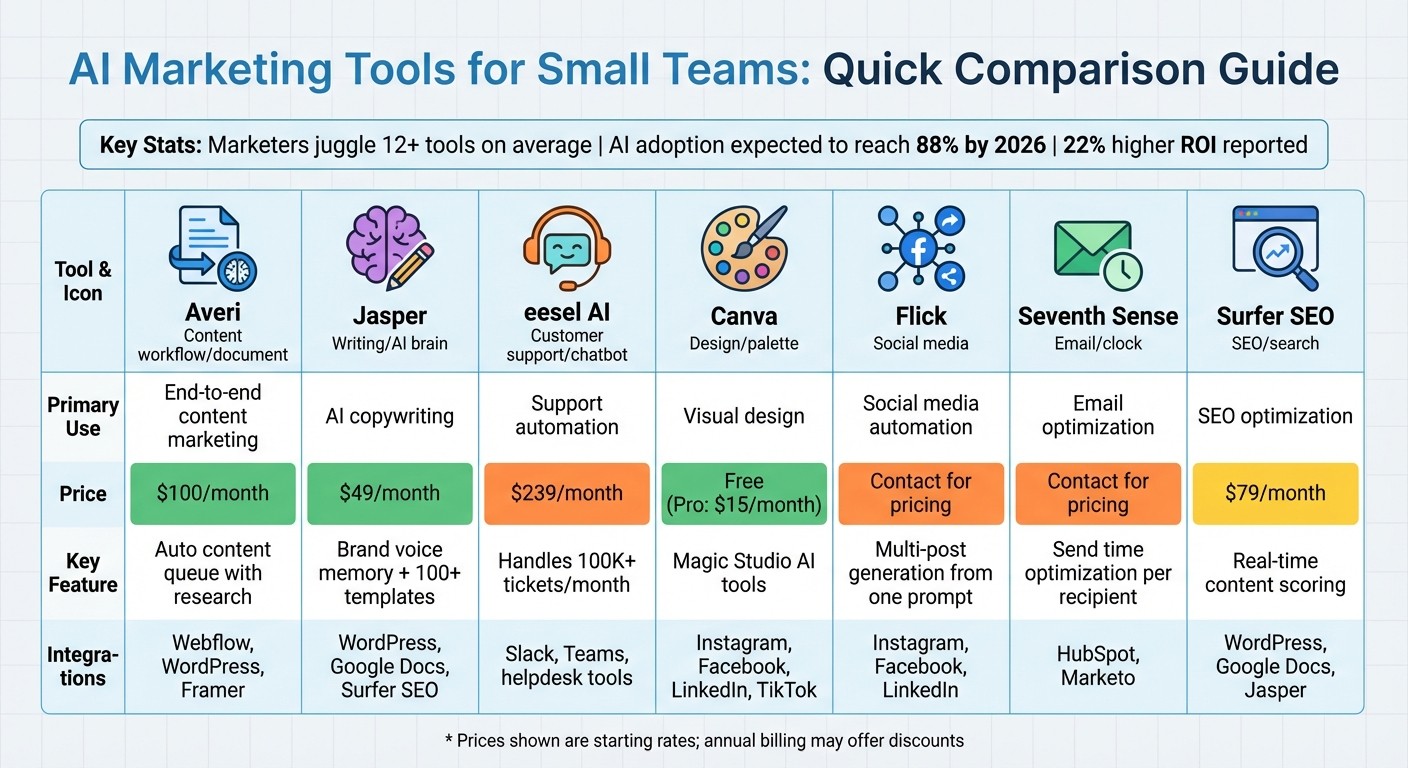
AI Marketing Tools Comparison: Features, Pricing & Integrations for Small Teams
For teams juggling multiple tool subscriptions and struggling with fragmented workflows, streamlining your marketing stack can make a world of difference. Below is a comparison table summarizing key features of four AI tools tailored for small marketing teams. It highlights their primary use, starting cost, automation capabilities, and integration options.
Tool | Key Use Case | Starting Price (USD/month) | Main Automation Feature | Platform Integrations |
|---|---|---|---|---|
Averi | End-to-end content marketing workflow | $100 | Auto content queue with ongoing research and topic generation | Webflow, Framer, WordPress |
Jasper | AI-powered copywriting and content creation | $49 | Brand voice memory and template-based content generation | Google Docs, WordPress, Surfer SEO, Chrome extension |
Canva | Visual content design and social media graphics | $0 (Free plan available) | Instant template customization | Facebook, Instagram, LinkedIn, Mailchimp, Dropbox |
Surfer SEO | SEO content optimization and keyword research | $79 (billed annually) | Live Content Editor scoring with real-time optimization feedback | Google Docs, WordPress, Jasper |
This table is designed to help you spot opportunities to consolidate tools and save time on managing your marketing stack. For example, if your team already relies on Jasper for content creation, integrating Surfer SEO can provide a seamless solution for keyword optimization. Similarly, Averi and Surfer SEO stand out for teams leveraging WordPress, offering robust features that align well with the platform. By selecting tools that complement one another, small teams can simplify workflows and reduce the hassle of managing multiple subscriptions.
Conclusion
For small marketing teams, AI tools aren't just about keeping pace - they're about creating opportunities to compete on a larger scale. The right platforms can save over 10 hours a week by automating repetitive tasks like scheduling, keyword research, and content formatting[1]. This time savings allows your team to concentrate on strategy and creative efforts that drive meaningful results, aligning directly with the unified strategies discussed earlier.
That said, 74% of companies report difficulty in gaining real value from AI, despite widespread adoption[4]. Often, the issue lies in managing too many disconnected tools. Without prioritizing consolidation, you risk wasting both time and money on an overloaded tech stack.
To start, pinpoint your biggest operational challenge. If social media management feels overwhelming, tools like Buffer or Flick might be the solution. Struggling with long-form content creation? Jasper or Averi could help. And if visual design is a bottleneck, Canva's free tier is an easy win. Always test tools with your actual business content to ensure they align with your brand's voice and workflow.
From a budget perspective, one high-quality, all-in-one platform often outperforms a collection of specialized tools for teams of 1–3 people[3]. This approach not only reduces costs but also simplifies operations, making execution more efficient.
Look for tools that integrate seamlessly with your CMS, CRM, and analytics platforms. Smooth data flow transforms AI from a nice-to-have into a powerful competitive edge. By consolidating your tools into a cohesive stack, you support consistent workflows, maintain brand accuracy, and strengthen your overall strategy. The goal isn’t to chase every new AI tool - it’s to build a system that amplifies results while allowing you to focus on growing your business.
FAQs
Which AI tool should we start with first?
For small marketing teams venturing into AI tools, an all-in-one platform like Averi can be a great starting point. Averi streamlines processes by integrating content creation, SEO, and publishing into a single, budget-friendly solution. This approach eliminates the hassle of juggling multiple tools, saving both time and resources while delivering effective results without unnecessary complications or added costs.
How do we keep brand voice consistent with AI?
To keep your brand voice consistent while using AI, start by establishing clear brand guidelines that define your tone, style, and messaging. Equip the AI with training data or carefully crafted prompts that mirror your desired voice. Opt for AI tools that allow customization or fine-tuning, so you can better align the output with your brand's identity. Regularly review and refine the AI-generated content, particularly when dealing with complex or sensitive messages. By blending AI's efficiency with human oversight, you can maintain a unified voice across all communication channels.
How can we reduce tool sprawl without losing features?
Small marketing teams looking to simplify their toolkits without sacrificing functionality should consider integrated platforms like Averi. These solutions merge AI capabilities with human expertise to create a unified workspace, bringing together tasks such as content creation, SEO, and analytics. By opting for tools that offer a wide range of features and smooth integrations, teams can cut down on complexity, avoid juggling multiple subscriptions, and still access everything they need to execute successful marketing campaigns.
Related Blog Posts

Zach Chmael
CMO, Averi
"We built Averi around the exact workflow we've used to scale our web traffic over 6000% in the last 6 months."
Your content should be working harder.
Averi's content engine builds Google entity authority, drives AI citations, and scales your visibility so you can get more customers.